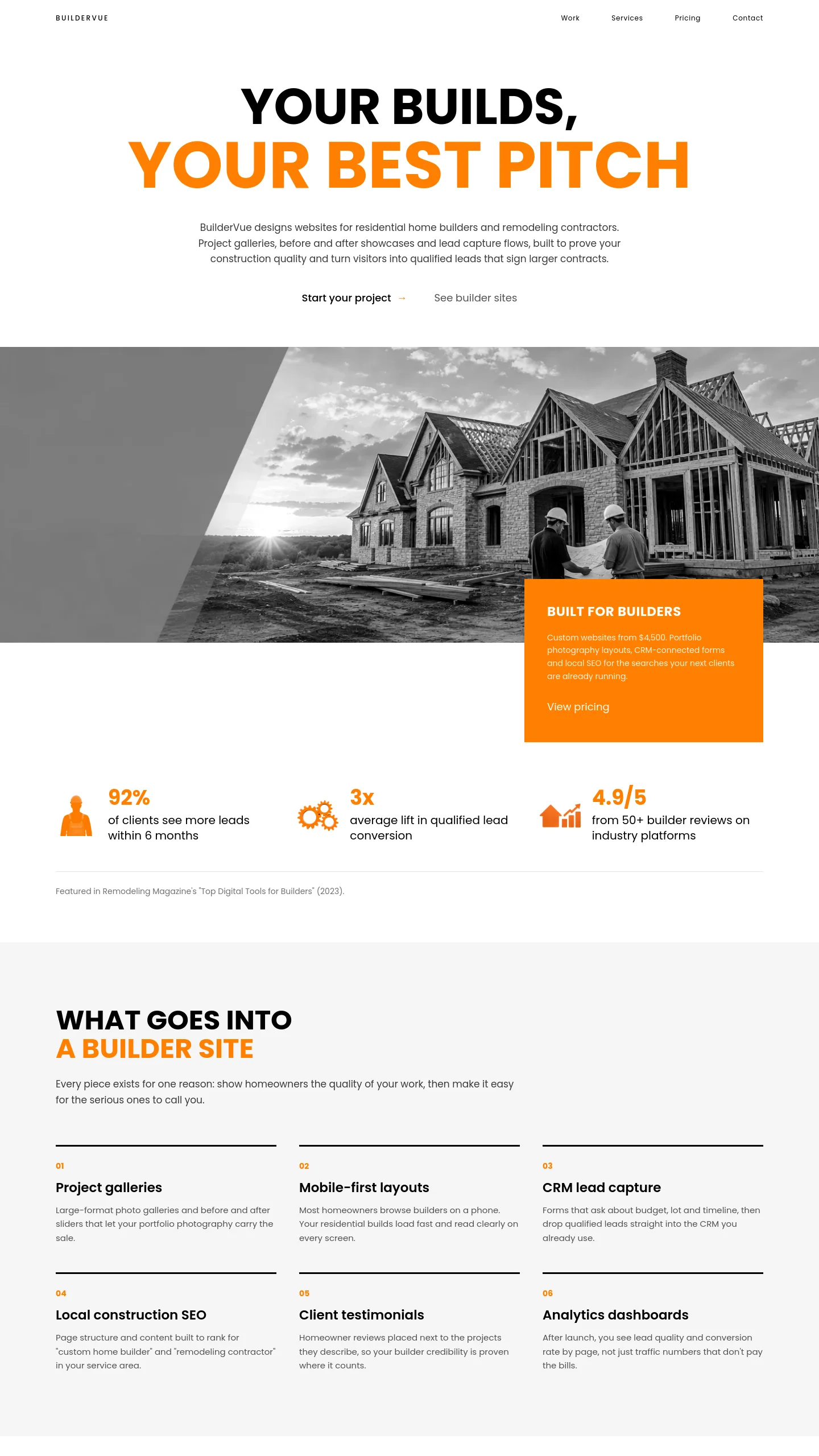

A builder that leads with its crew and its site
Forge is for a home builder whose selling point is the ability to get the job built: a general contractor with its own trades on the payroll, a firm running several house builds at once, or a builder who also takes on larger residential and light commercial work. The tone is closer to a construction company than a boutique studio. Visitors see people working on a real site before anything else, and they see figures about the business straight after that.
Next to the other home builder template in this catalogue, Page Overview, which is about guiding a client through a design-build process, Forge suits a firm that wins work on capacity and track record. If your clients mostly ask "can you start in spring, and do you have the people to finish on time?", Forge answers that first.
The photography is shown in black and white so the single orange accent carries the brand. This has a practical upside. Site photos taken on a phone, in poor light or on muddy days, look far more consistent once they are greyscale, so you will not need a professional shoot to make the page hold together.
One screen that already does the opening pitch
The template is a single opening screen, and everything on it has a job:
- A header with your name and four navigation links.
- A two-line headline where the second line, in orange, carries the emphasis. That line is the place for what you build.
- A short paragraph explaining who you are and where you work.
- Two statistics with icons, a hard-hatted worker and a pair of gears. They suit figures like years trading, homes completed or crew size.
- A large site photograph with an orange panel overlapping its corner, holding a short heading, a few lines of copy and a call to action.
- A black footer bar with four contact details spread across the width, so your phone, email, address and hours are visible without scrolling.
The four navigation links point to a larger site. The pages behind them are not part of this template, so plan to build those yourself.
Putting your own name, numbers and job sites in
Most of the work is copy and photography. The sample company is called Timmerman Industries and the headline reads "Building Construction", which is generic. Change it to something like "Custom Homes" or "New Builds" plus your region. Swap the two statistics for your own real figures, and rewrite the panel text as a specific offer, such as a free site visit or a build-time estimate.
The sample photo shows workers bending rebar on a concrete deck with a town behind them, which reads as commercial work. Use a framing or roofing shot from one of your own house builds instead, converted to black and white so it matches the rest of the page.
The call to action in the orange panel is plain text with no button around it. If you rely on enquiries from the page, add a proper button, or put your phone number in the header, so the next step is easy to spot.