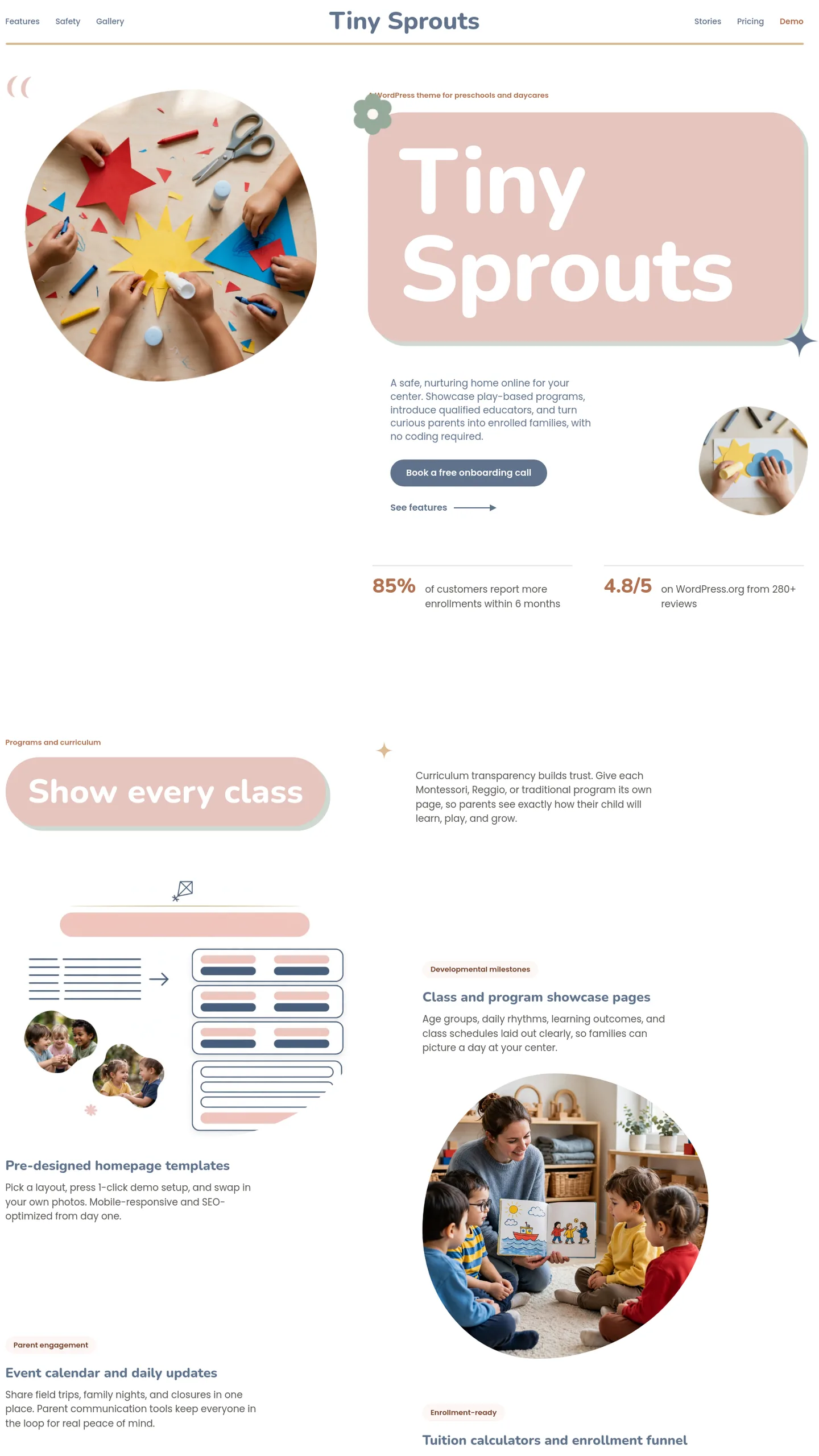

For a nursery that wants parents to feel calm, not dazzled
Dusty Bloom suits a small, independent preschool or daycare that sells itself on care and creativity. Think of a single-site setting with a name parents remember, such as a play-based nursery, a Montessori-leaning room or a community daycare, where the people deciding are anxious parents comparing a few local options. It isn't a loud discount chain.
What sets it apart is the tone. The interface colours are soft and muted, and the brightness comes from the photographs of children's craft work instead. In practice this means the page reads as professional and grown-up for the parent while the pictures still show a lively, hands-on day for the child. A setting that wants to look trustworthy before it looks fun will find that balance already struck. The rounded shapes and the photographs cut into soft, irregular outlines keep it gentle without tipping into cartoonish.
One opening screen, already doing the hard part
Be clear about scope: Dusty Bloom is a single opening screen, the first thing a parent sees, not a full multi-page site. That screen already handles the following:
- A header with a small icon of three figures and your setting's name centred above a fine rule, so the brand is the first thing read.
- A large headline panel carrying one word that says what you are. The template uses "Daycare", which is enough for a parent to know immediately they are in the right place.
- A short introductory paragraph set small, so it reads like a friendly caption and not a block of text, with an arrow beneath it inviting the visitor onward.
- Two photographs of children making paper crafts, which do most of the emotional work.
- A few small decorative marks, a flower, a star and a pair of quotation marks, that add warmth.
There are no buttons, forms or contact details on this screen. The arrow implies a next step, so you would add a visit-booking or enquiry button, and the pages behind it, such as sessions and fees, your team, a typical day and how to apply.
Turning Little Explorers Academy into your setting
The sample is branded Little Explorers Academy, so the name, header icon and paragraph all need replacing. The headline is the easy win: swap "Daycare" for "Preschool", "Nursery" or your own one-word promise, keeping it short because it is set very large and needs to fit the panel.
Photography is the real job. The two stock craft images carry the page's colour and personality, so replace them with your own well-lit, overhead shots of children's hands at work. That way you avoid faces and the consent questions that come with them. Pictures of busy tables with bright materials will keep the look intact. Paintings, building blocks or sensory trays work as well as paper crafts.
Finally, write the six-line paragraph as the one thing you want every parent to know, perhaps your approach, your ages or your ratios. Then add the enquiry route and phone number most parents will be looking for. Expect an afternoon for copy and a short photo session to make Dusty Bloom genuinely yours.